
LocalSend
AirDrop, but it works between every platform, and it never touches the internet.
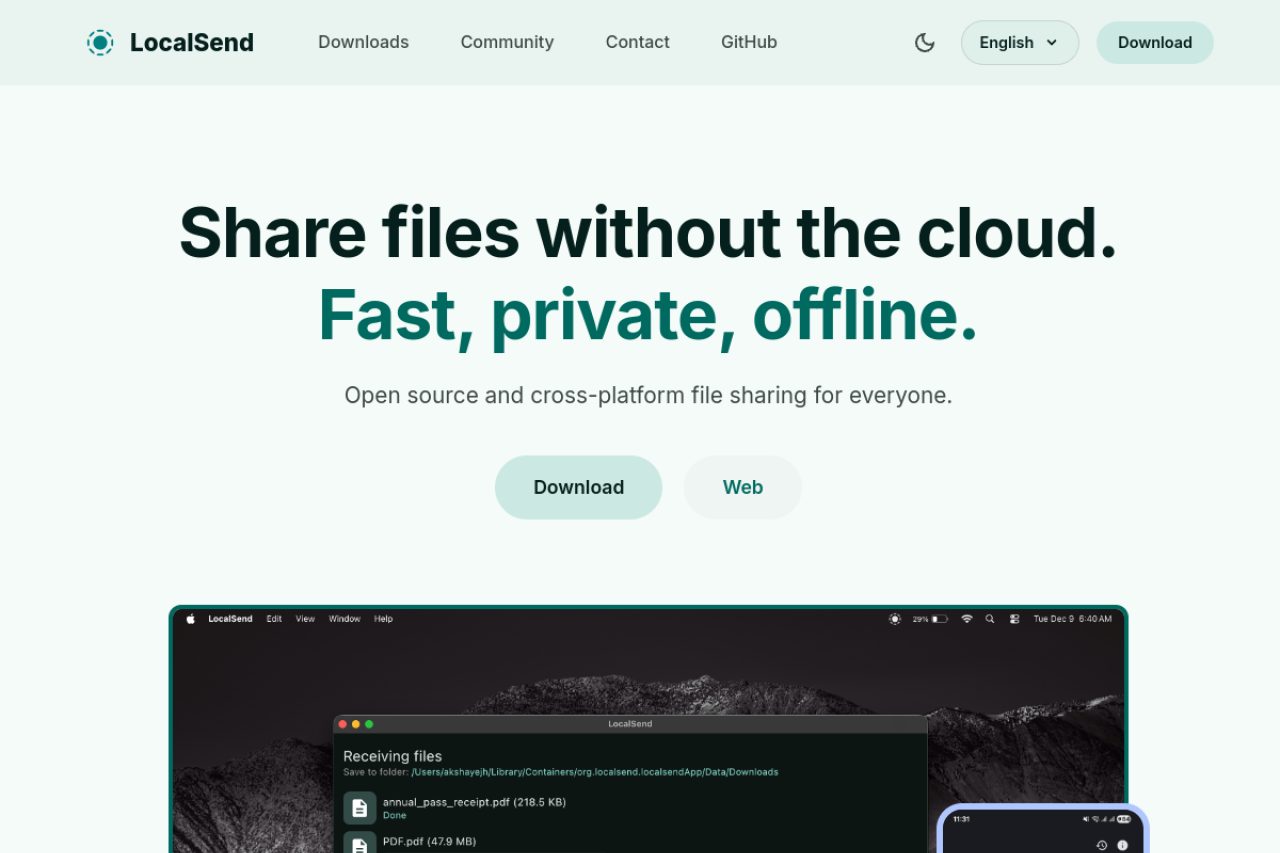
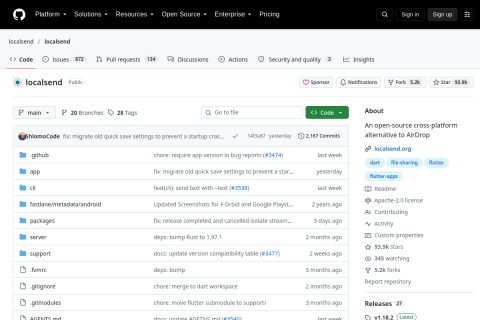
LocalSend sends files between Windows, macOS, Linux, Android and iOS over your local network, with no account, no cloud and no internet connection. Developer Tien Do Nam started it in 2022 and maintains it with community help and donations.
How it works
Open the app on two devices on the same wi-fi and they discover each other. Pick a file, anything, any size, and send it. Transfers are encrypted in transit and nothing is uploaded to a server, which means it also works in an air-gapped office or a conference room with unusable internet.
The itch was personal: the developer could not trust existing file-transfer tools and wanted something transparent. Making it open source was the way to prove there was nothing hidden inside.
Why it spread
Every platform vendor solved local transfer only inside its own walls. Anyone with an iPhone and a Windows laptop, a very large group, had no native option and had been emailing files to themselves for a decade.
Because it is free and cross-platform, the distribution channel is every package manager and app store at once: winget, Homebrew, Flathub, Play, F-Droid and the App Store. Five platforms, five listings, no marketing.
And because it stays free and open, nobody can later put it behind a paywall or switch it off. For a utility this basic, that permanence is part of the product.
Estimates, not audited figures · Last updated: 2026-10-15
Related profiles
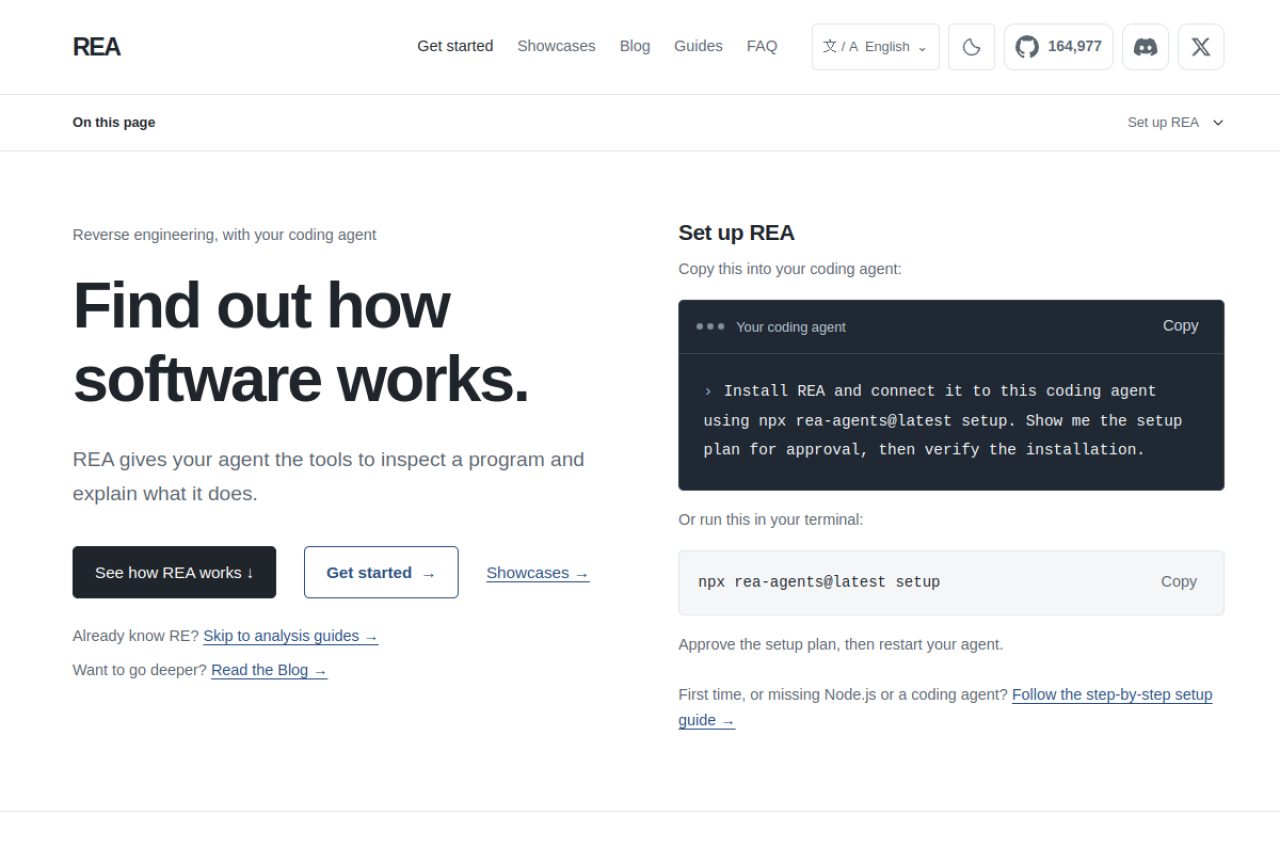
REA
It does not decompile for you. It hands your agent the tools and demands the evidence.
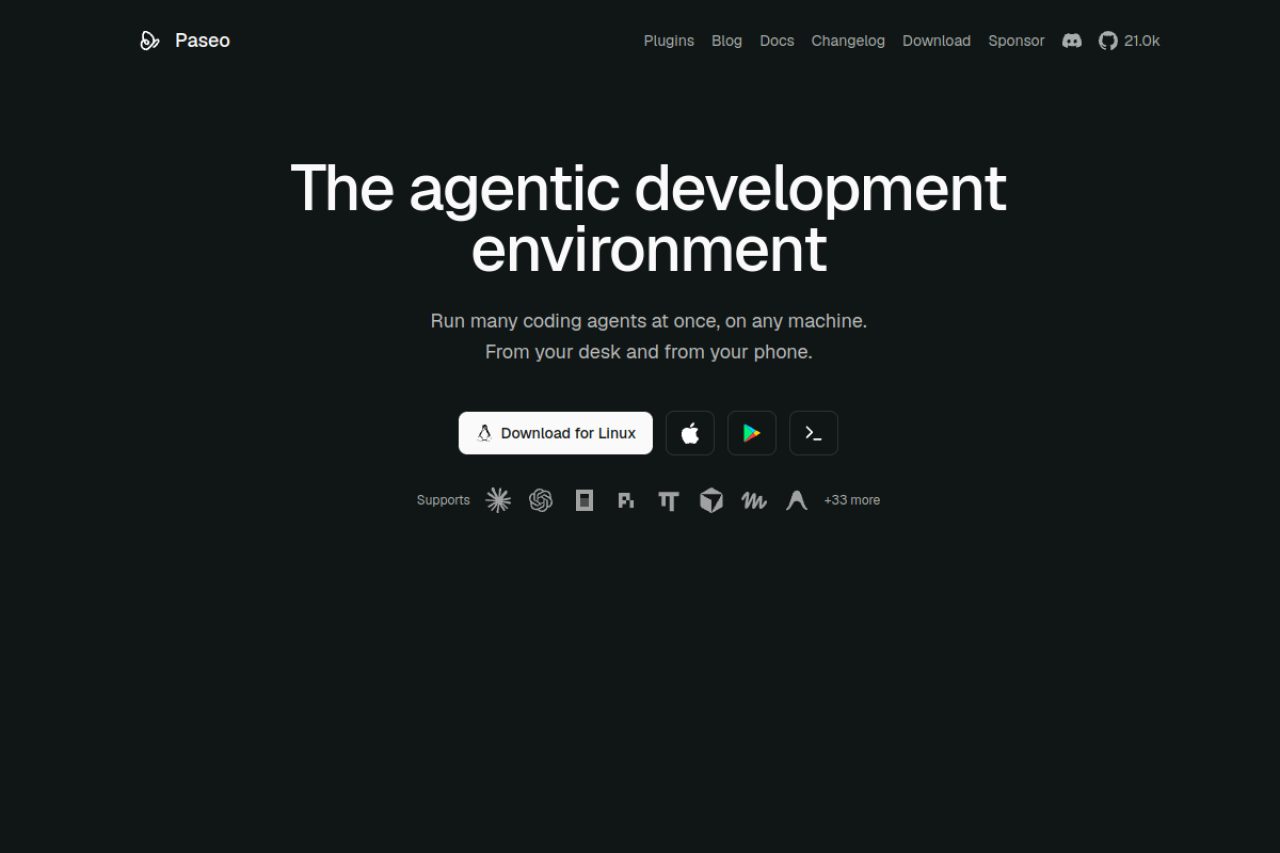
Paseo
Everyone built a coding agent. He built the cockpit for all of them.
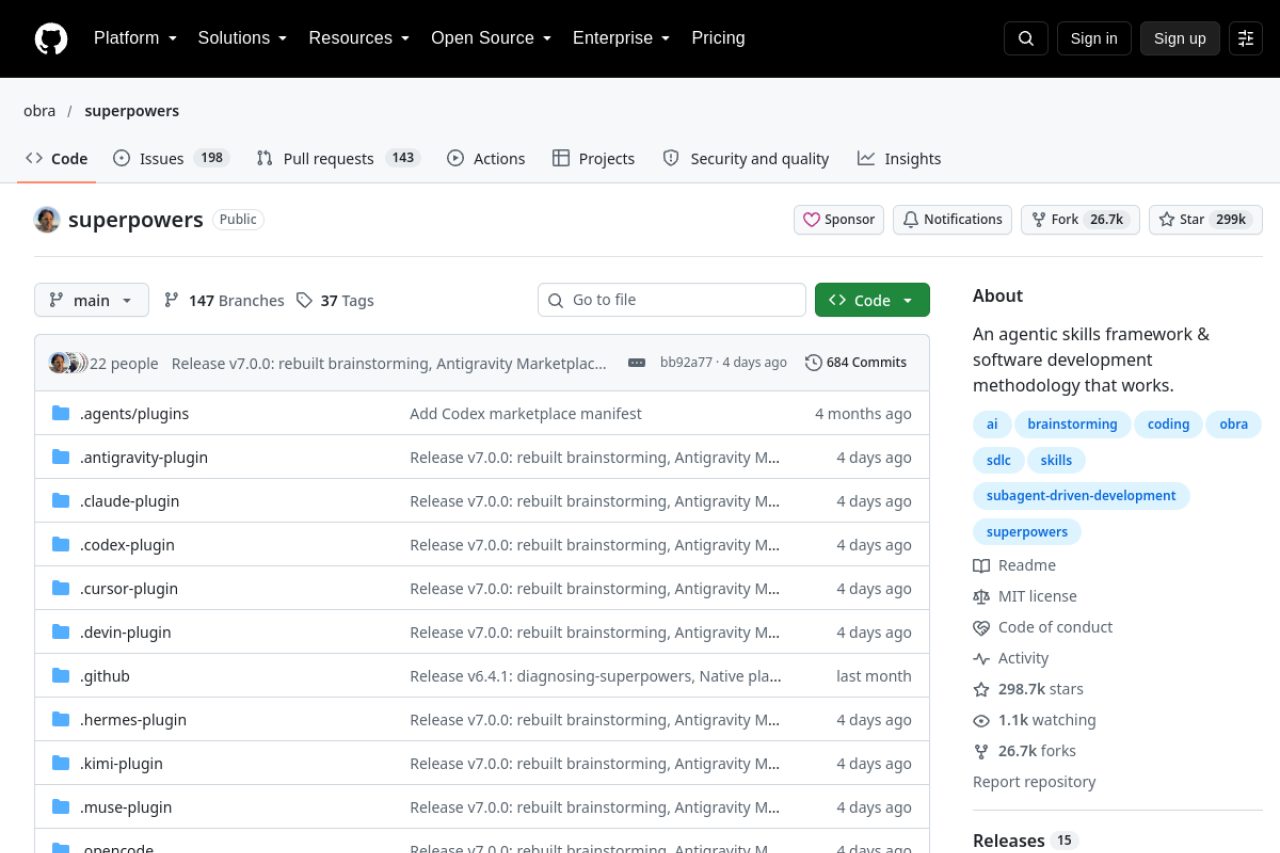
Superpowers
The most popular AI coding tool of 2026 is not software. It is a methodology.
Keep exploring
110 profiles and counting — let fate pick the next one.
Frequently asked questions
Is LocalSend free?
Yes, entirely. It is Apache-2.0 licensed with no ads, no tracking and no paid tier.
Does LocalSend need the internet?
No. It uses your local network only, so data never leaves your wi-fi.
Who maintains it?
Tien Do Nam, a developer in Berlin, with more than a hundred community contributors. The project started in 2022.