Tuple is a macOS app for remote pair programming: low-latency screen sharing where both sides get keyboard and mouse control. Bootstrapped in 2018 by Ben Orenstein and two co-founders, it crossed $1M in annual recurring revenue, with progress shared publicly.
What it is
Tuple is screen sharing rebuilt for one job: two programmers working on the same code. Both cursors are live, either side can type, audio is crisp, and latency is low enough to feel local — the things generic meeting tools never optimized.
It arrived just before remote work exploded, and became the standard recommendation whenever senior engineers asked how to pair remotely.
How it makes money
Per-user subscription pricing around $25 a month, sold bottom-up to engineering teams. The founders shared the climb publicly on their podcast and blog, crossing $1M ARR with a small team and no investors.
macOS-only was a deliberate constraint: it let a tiny team deliver native performance instead of mediocre cross-platform compromises.
Why it worked
The founders were the customers — respected consultants who paired daily — and Ben Orenstein's audience from years of conference talks and the Art of Product podcast seeded the first thousand users.
In a category owned by free giants, Tuple proved developers pay for tools that respect their craft: doing one workflow perfectly beat being adequate for every meeting.
Estimates and founder-reported figures, not audited numbers · Last updated: 2026-10-25
Related profiles
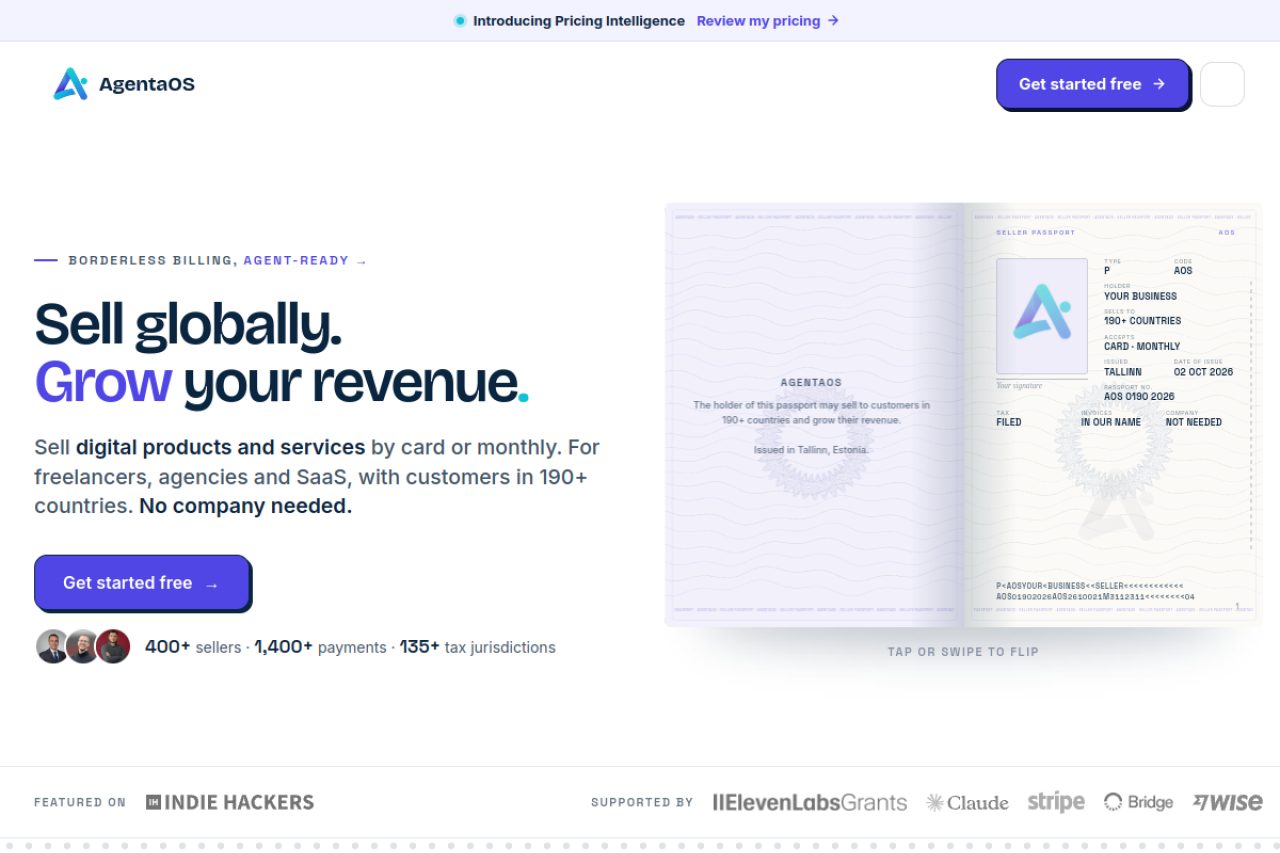
AgentaOS
He could not take card payments from the Balkans. So he became the seller for everyone else.
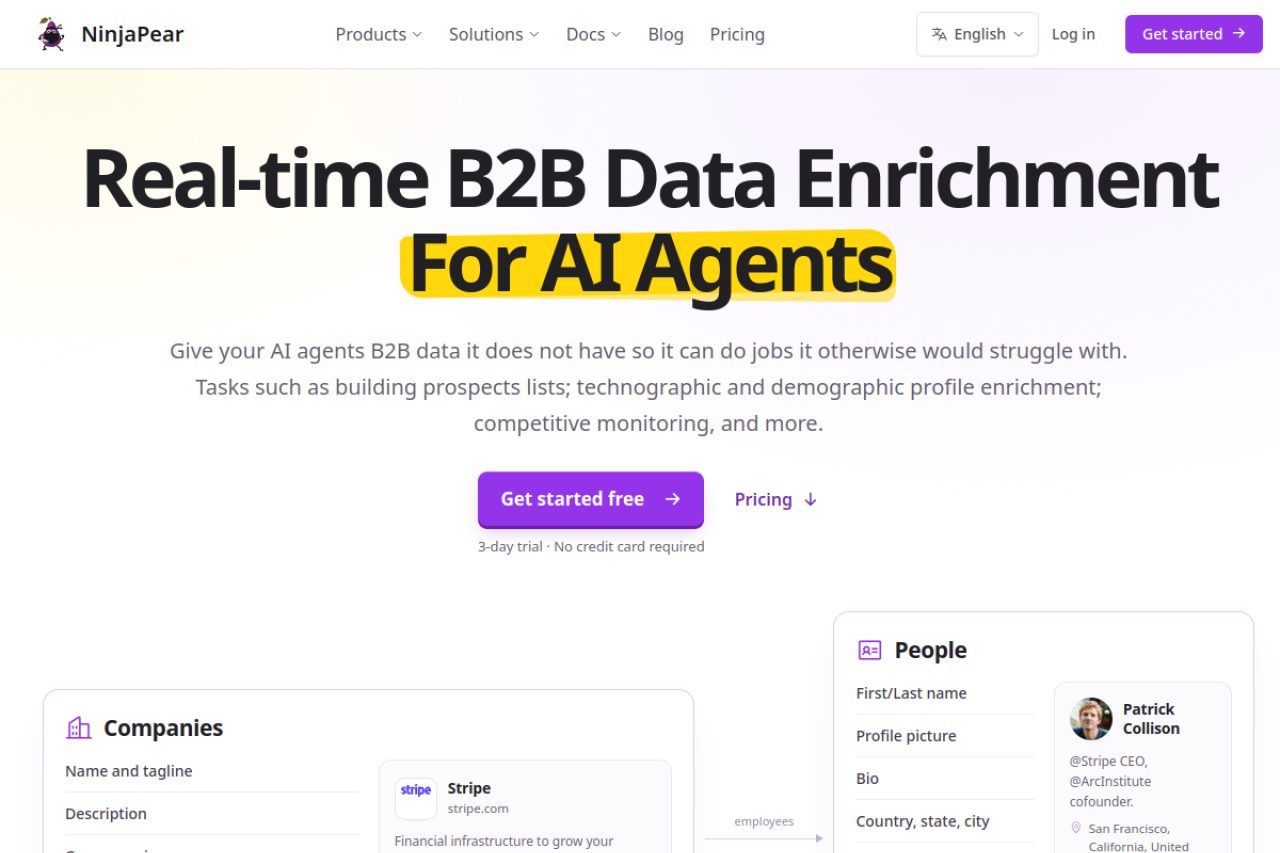
NinjaPear
He lost the data source. So he rebuilt the product around not needing it.
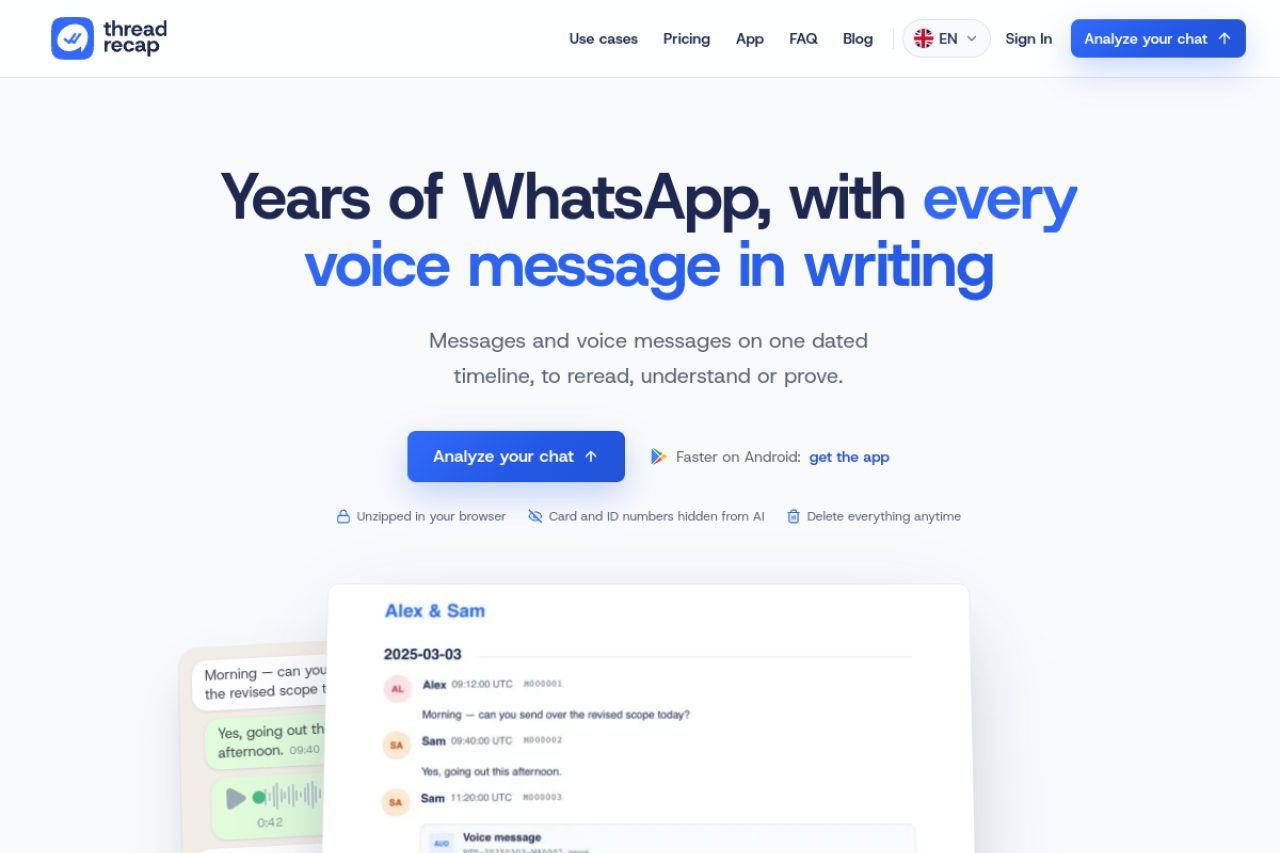
ThreadRecap
Not a big business. A very efficient one.
Keep exploring
79 profiles and counting — let fate pick the next one.
Frequently asked questions
How much does Tuple make?
The founders discussed crossing $1M ARR publicly on their podcast and in posts — bootstrapped, with per-seat pricing around $25 a month.
Why pay when Zoom is free?
Tuple gives both participants simultaneous keyboard and mouse control with low latency and developer-grade audio — the difference between watching someone code and actually pairing.